Work Case study
OffboardPro
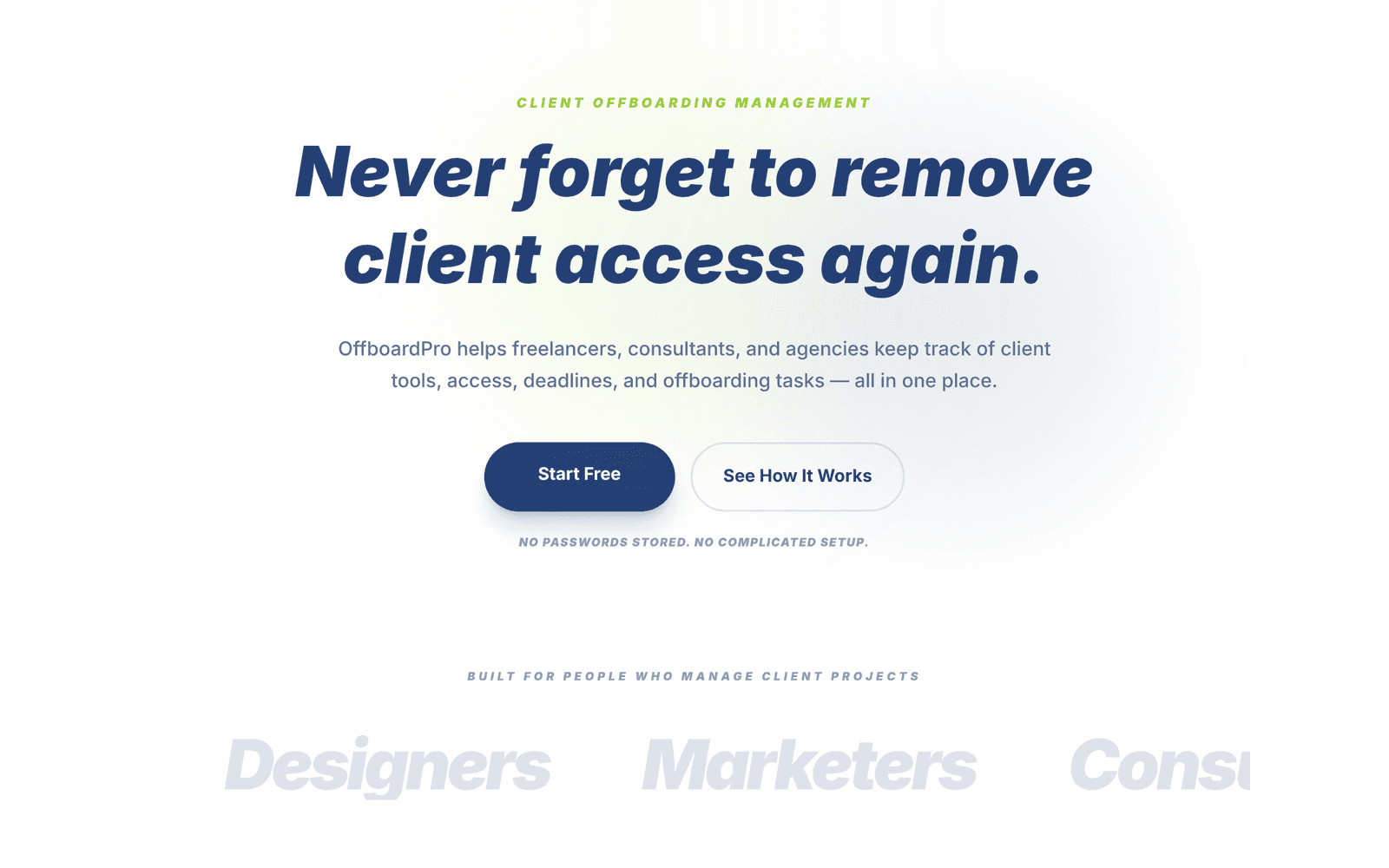
Client offboarding for freelancers and agencies: never forget to remove access again.
The problem
When a project ends, freelancers and agencies still have access to the client's ad accounts, analytics, hosting and code. Forgetting to remove it is a security risk and looks unprofessional. Most people track this in their head, or not at all.
What I built
- Client and project tracking with statuses: Active, Ending soon, Offboarding, Ready to close, Closed
- Step-by-step access-removal checklists for 196 tools across 21 categories
- One-click templates for web development, marketing, SEO, design and social media agencies
- Deadline alerts and a live "Needs your attention" list
- A security rating (Secured, Warning, At risk) based on overdue access
- An activity timeline for every client
- PDF and CSV reports to hand to clients
- Dark mode that remembers your choice
The hard parts
Turning 196 tools into clear checklists
Every tool removes access differently. I organised them into 21 categories, each with its own steps, so the app always knows what to tick off for any project.
Knowing what needs attention, automatically
The dashboard works out which clients are overdue, ready to close or ending soon from dates and task progress, and puts the most urgent first.
Mobile-friendly controls
Phones open their own plain picker for standard dropdowns, which didn't match the app. I built custom dropdowns that look and work the same everywhere.
Reports clients can keep
One click turns an offboarding into a clean PDF or CSV, proof that access was removed properly.
Built with
Where it is now
Live at offboardpro.com, a SaaS I built and launched solo. It shows I can model complex real-world workflows, not just simple forms.
Your product next?
Want something like this?
Tell me what you're building. I reply within 24 hours.